SOFTWARE TOOLS
Software tools for antenna simulation and RF development
ANSYS HFSS, Altium Designer, MATLAB and AutoCAD combine antenna simulation, RF circuit development, measurement evaluation and technical documentation.
Connect development data and real structures
Our software tools accompany the development from the first geometry to the documented assembly. We start with frequency bands, installation space, materials, interfaces and electrical target values. This creates models and documents that we compare with the actual structure. We take changes to the antenna, circuit board or housing into account in the relevant development data.
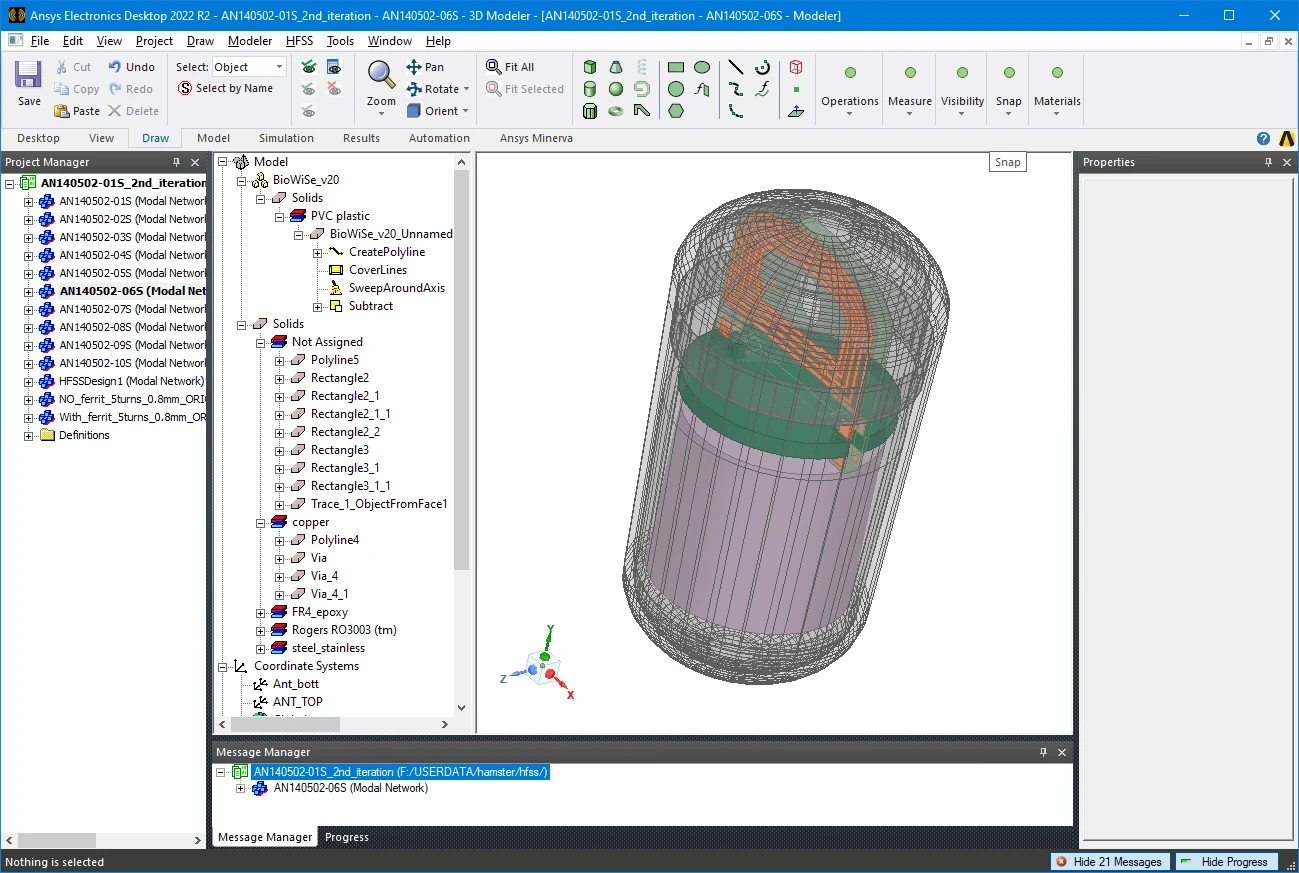
ANSYS HFSS: Antennas and RF structures in 3D
Using ANSYS HFSS we investigate the electromagnetic properties of antennas, feed networks and critical RF junctions. The model can include circuit board, ground planes, housings, brackets and adjacent components. We define excitations, materials and boundary conditions and compare geometric variants. Field and current distributions show where resonances arise, losses occur or unwanted couplings influence the signal path. For the evaluation, we record model assumptions and the installation condition under consideration.
- S-parameters, impedance, matching and coupling
- Radiation pattern, polarization and gain
- Variant comparison for antenna position, geometry and installation environment
Altium Designer: Circuit and RF-compliant layout
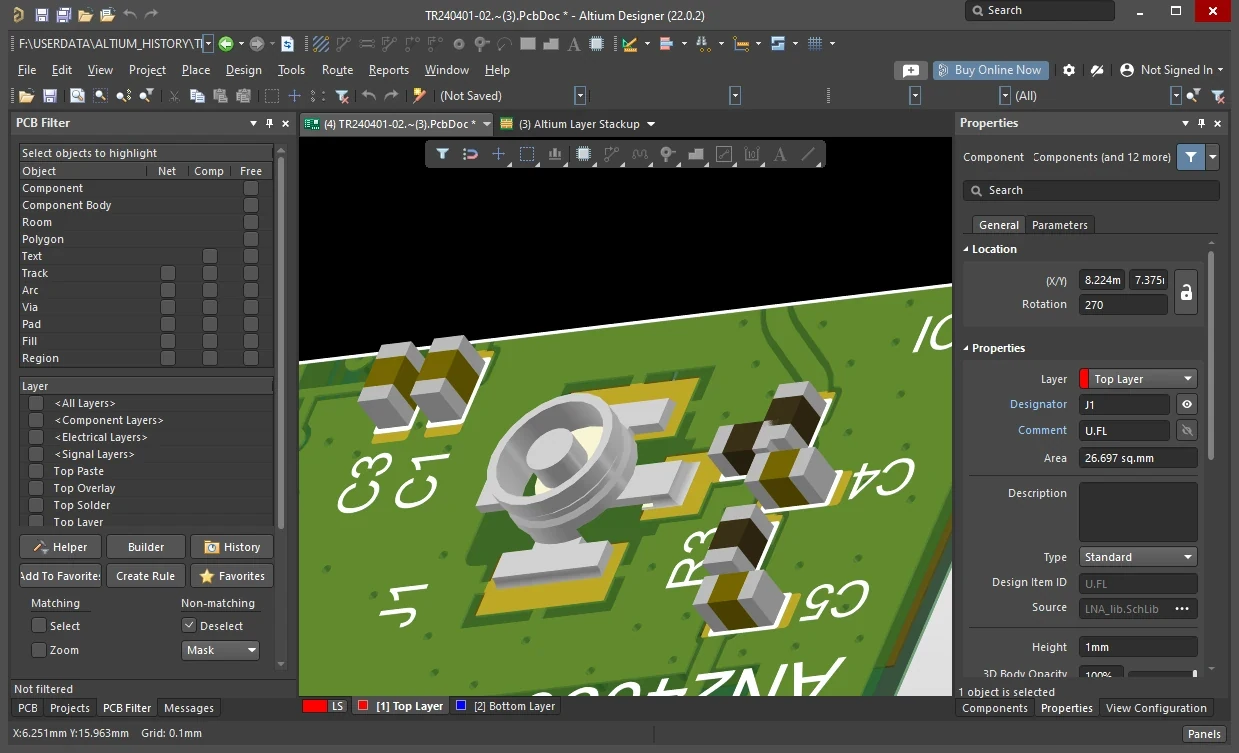
In Altium Designer, we develop schematics and PCB layouts for antenna assemblies, filters, amplifiers and radio boards. We adapt component placement, the layer stack-up and RF trace routing to the signal path. Return-current paths, ground connections, layer transitions and connector interfaces are incorporated into the layout. We assess critical structures together with the electromagnetic design. After bring-up, we can change component values in the matching network and update the approved documentation.
- Circuit diagram, parts list and PCB layout
- Impedance-controlled transmission lines and defined reference planes
- Assembly and production data for samples and series
MATLAB: Evaluate measurements and make connections visible
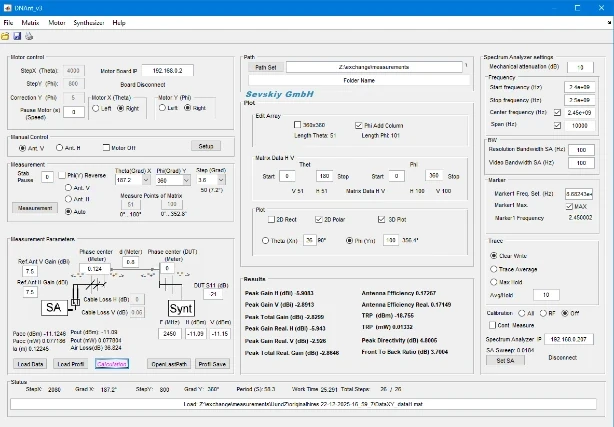
We use MATLAB for the analysis and visualization of simulation and measurement data. We compare frequency responses, calculate derived parameters and compare variants under uniform conditions. MATLAB supports device control and automated data processing for recurring measurement tasks. We link measurement results with the test object, configuration and measurement conditions. This means that changes to matching, cables or installation position can be assessed using the same evaluation.
- Curve comparisons, characteristic value tables and radiation patterns
- Automated measurement processes and data preparation
- Comparison between simulation and built prototype
AutoCAD: Coordinate mechanics and technical documentation
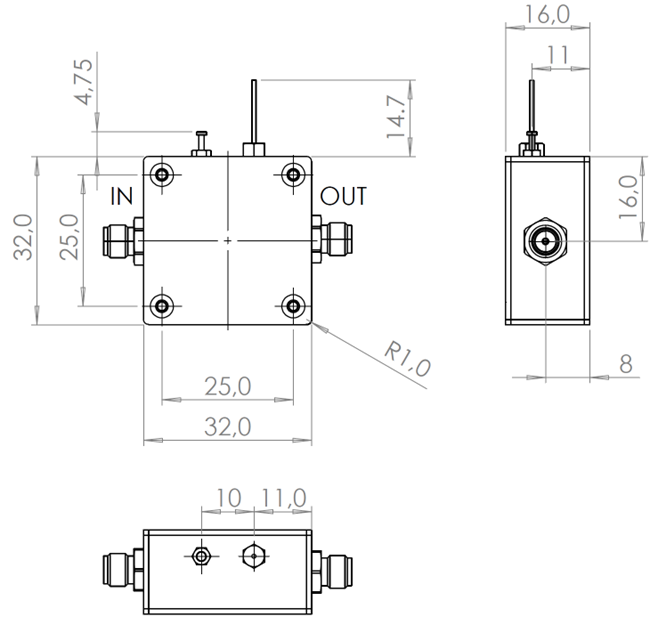
We use AutoCAD to create and edit technical drawings for mechanical interfaces and manufacturing documents. Dimensions, fastening, connection positions and installation spaces must match the electrical design. That's why we coordinate drawings with the circuit board, antenna geometry and housing. For the next development step, we document the agreed status and the relevant changes. The scope of the files transferred depends on the task and requirements of your design or production.
- Dimensions, mounting points and connection geometries
- Coordination of electrical and mechanical interfaces
- Drawings and documents on the released development status
Your result
You receive coordinated simulation, circuit, layout and drawing documents as well as traceable evaluations for your next development decision.
Our equipment in context
Measurement technology
We characterize antennas and RF assemblies with network analysis, signal and spectrum analysis, noise measurement and measurements in our anechoic chamber.
Find out more →Prototyping
In-house CNC, 3D printing and electronic prototyping combines the development data with a testable structure and prepares the transition to mass production.
Find out more →YOUR NEXT STEP
Let's discuss your development task.
We clarify your goals and the appropriate scope of development.